miotoro Platform your First Game Start.
miotoro iOS Web Football Sportsbook with QRIS Deposit
Accessing miotoro on iOS via web browser bypasses app store restrictions and lets you reach our full platform—Sportsbook, live-dealer tables, slots, and esports markets—directly from Safari. No app download required. Your account, deposits, and withdrawals work the same way as on any other device.

- StartFirst Game
- Installin
- DownloadAPK
This guide covers how to open miotoro in Safari on iPhone or iPad, how to add a shortcut to your home screen for quick access, and what to expect from the browser experience. We also walk through deposits via e-wallet, mobile banking, local payment, and other payment methods, and how to manage your account on iOS.
Accessing miotoro on iOS via web browser
miotoro on iOS web is a full-featured browser experience. Open Safari, navigate to our domain, and log in with your email and password. Once authenticated, you see the same markets, odds, and game selection as desktop users. Liga 1 fixtures, Piala AFF tournaments, Champions League, live-dealer blackjack, roulette, Dragon Tiger, and slot games like Aviator and Sweet Bonanza are all accessible.
The interface adapts to your screen size. On iPhone, buttons and text scale for one-handed use. On iPad, the layout expands to use the larger screen. Scrolling is smooth, and tap targets are sized for mobile fingers—no pinching or zooming required to place a bet or navigate menus.

Performance on iOS web depends on your connection. Over Wi-Fi, the platform loads instantly and streams game information without lag. On mobile data (4G/LTE), performance is still smooth for browsing and placing bets, though live video streams (for live-dealer tables) may buffer if your signal is weak. We recommend Wi-Fi for the best experience during live matches or when using live-dealer tables.
Add miotoro to your home screen
Tap the Share button in Safari, then select "Add to Home Screen." This creates a shortcut that opens miotoro in full-screen mode, making it feel like a native app.
How to set up and use miotoro on iOS
First-time setup
Open Safari and navigate to miotoro.com. You'll see the login screen. If you don't have an account, tap "Register" and fill in your email, password, and basic details. Verify your email via the link we send you. Once verified, log in with your credentials.
Your first login may prompt account verification. We ask for your name, date of birth, and a photo ID (KTP, passport, or driver's license). Take a clear photo and upload it through the browser. Verification typically completes within 24 hours. Once approved, you can deposit and withdraw without further checks.
Deposits on iOS web
To fund your miotoro account on iOS, tap the account menu and select "Deposit." Choose your payment method from the list: QRIS, e-wallet, mobile banking, local payment, online payment, e-wallet, or a bank virtual account (mobile banking, local payment, online payment, e-wallet). Enter the amount you want to deposit.
For mobile banking, you'll see a QR code. Open your banking app or e-wallet, scan the code, and confirm the payment. For local payment, online payment, or e-wallet, you're redirected to the app or a payment page where you authenticate and approve the transfer. For bank transfers, you receive account details and a reference number—complete the transfer in your bank's app or online banking.


Deposits via mobile banking and e-wallets typically settle within seconds to a few minutes. Bank transfers may take 1–2 business days depending on your bank. Once your deposit is confirmed, the funds appear in your miotoro account and are ready to use immediately.
Placing bets and playing games on iOS
Once funded, browse the Sportsbook to find Liga 1, Piala AFF, or Champions League fixtures. Tap a match to see available markets. Select your bet type (match outcome, over/under goals, both teams to score, etc.), enter your stake, and tap "Place Bet." The bet settles after the match ends.
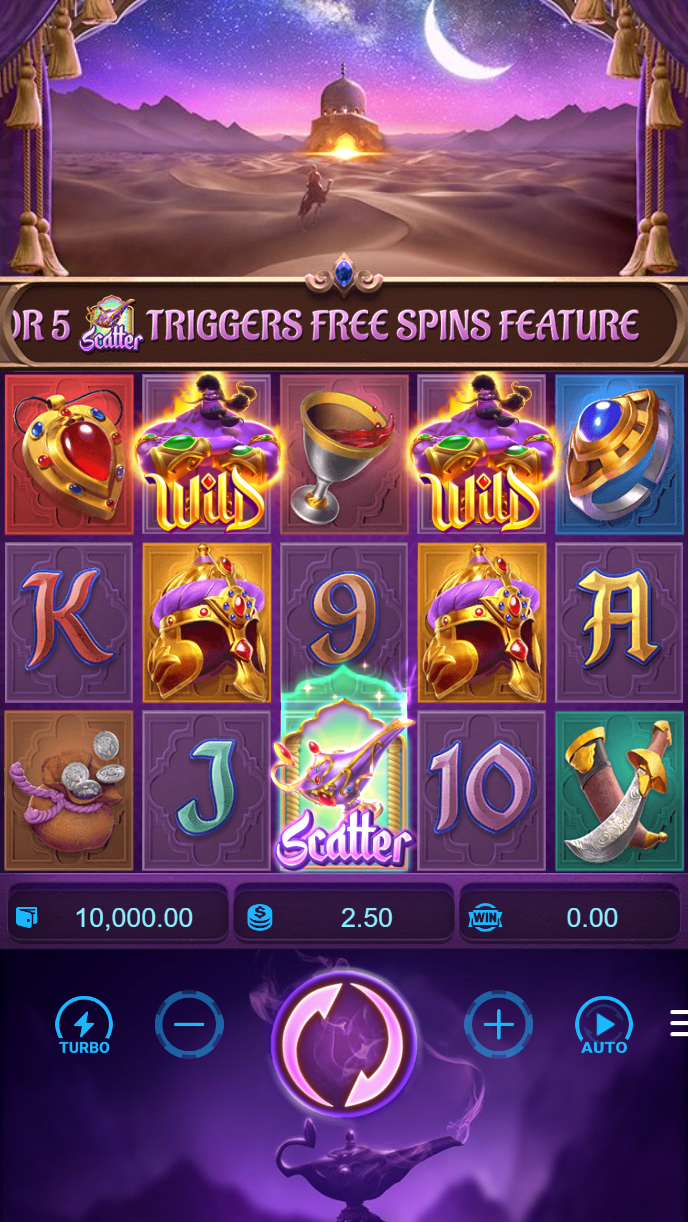
For live-dealer tables, tap "Live Game Shows" and choose a table (blackjack, roulette, baccarat, Dragon Tiger). Watch the live feed, place your bet during the open window, and the outcome settles within seconds. For slots, tap "Games" and select a title like Aviator, Sweet Bonanza, or Gates of Olympus. Tap "Play" to start.
Withdrawals on iOS web
To withdraw, tap the account menu and select "Withdraw." Choose your payment method and enter the amount. Your withdrawal is queued and processed according to standard verification windows. local payment and e-wallet withdrawals typically settle within one business day. Bank transfers may take 1–2 business days. Once processed, funds appear in your chosen account.
Your first withdrawal requires identity verification (if not already completed during signup). After that, withdrawals are processed without additional checks, subject to your account balance and any limits set by your payment method or bank.
Tips and notes for miotoro on iOS
Browser-based access on iOS works smoothly for most users, but a few habits help. Keep Safari updated to the latest version for best performance and security. If you experience slow loading, try clearing your browser cache (Settings > Safari > Clear History and Website Data) and reopening miotoro.
The home screen shortcut is a game-changer. After adding miotoro to your home screen, tapping it opens the platform in full-screen mode without Safari's address bar or tabs. It feels like a native app and saves you from typing the URL each time. You can customize the icon by long-pressing the shortcut and selecting "Edit Home Screen."
Payment method choice depends on your habits and bank. QRIS works across all banks and is neutral. e-wallet and mobile banking are popular in urban areas like Jakarta, Surabaya, and Bandung. local payment and online payment integrate with their respective ecosystems. Bank transfers via e-wallet, mobile banking, local payment, or online payment are reliable nationwide. Test a small deposit first to confirm your chosen method works on iOS.
During major tournaments like Piala AFF or Champions League finals, our platform sees heavy traffic. Deposits and withdrawals may take longer due to volume. Plan ahead and deposit a day or two early if you know a big match is coming.
miotoro on iOS web is available only where local law permits. Users are responsible for verifying that access and use comply with their own jurisdiction's law. If you have questions about your region's rules or need help with deposits, withdrawals, or account verification, our English-language support team is available.
miotoro on iOS web gives you full access to our platform without needing to download an app. Open Safari, log in, and you're ready to browse Liga 1 fixtures, place bets on Piala AFF matches, play live-dealer games, or spin slots. Deposits and withdrawals work smoothly via e-wallet, mobile banking, local payment, and bank transfers. Add the shortcut to your home screen for instant access, and you'll have a seamless experience every time.